
Availo8.4.0 - App Store
You'll be able to see results in few seconds.
Publisher Description
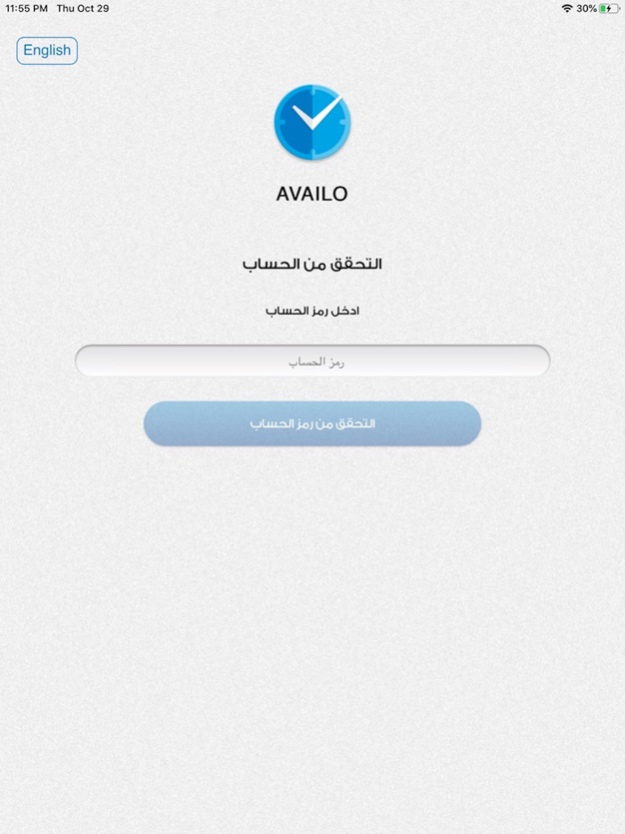
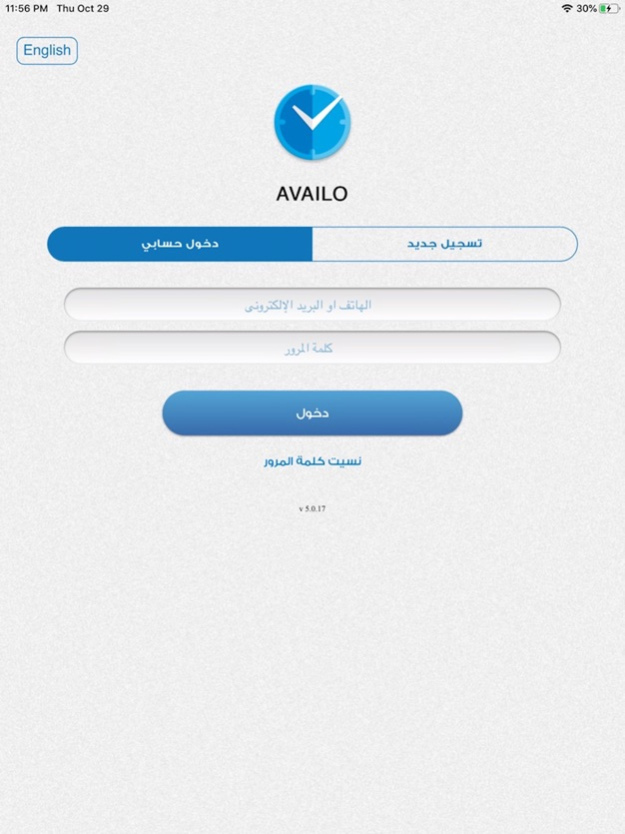
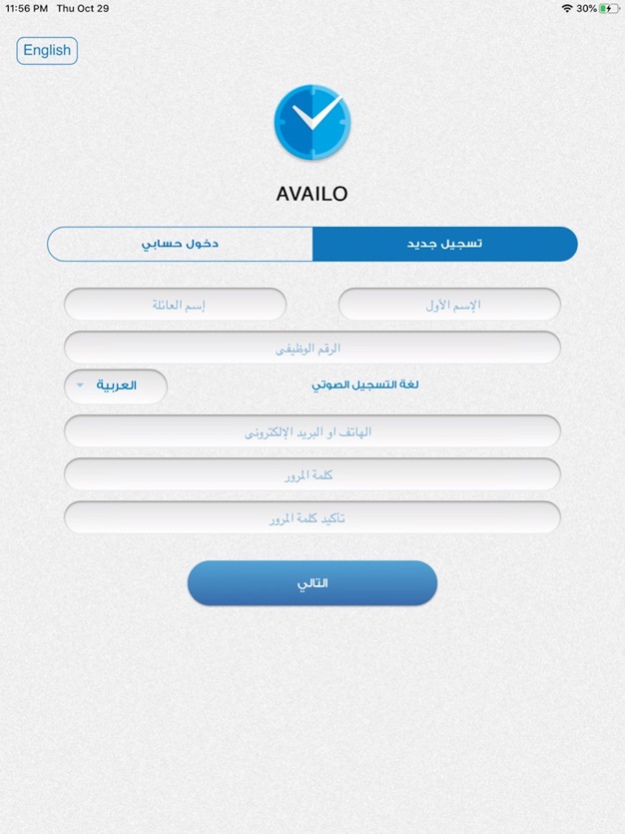
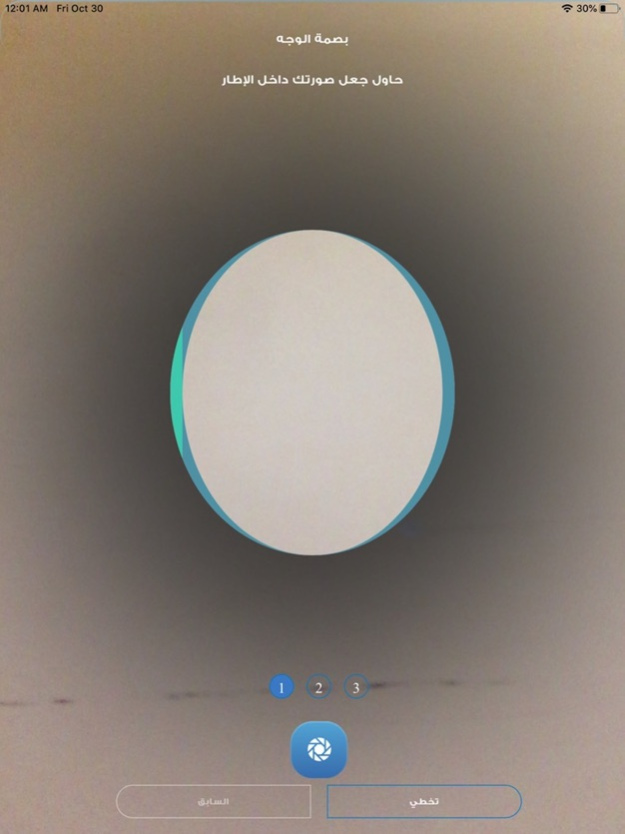
What is Availo?
Availo is a system designed to control staff work hours by using the internet of things (IoT) technology, through using an employee's faceprint and voiceprint. You don't need more than an employee's mobile to confirm his/her timely attendance and leave.
Why Availo?
- Supports smartphones
- Minimizes manipulation
- Electronic attendance registration
- Links to HR systems
- Just need a smartphone to do the job
- Instant access to attendance data
- Managing work and vacation plans
- Attend Thousands of Employees in Moments
- Portable device
- Easy Registration and workforce Management
- Control panel for system administration
- KIOSK tablet application
ما هو أفيلو ؟
هو نظام لضبط ساعات عمل الموظفين باستخدام تقنية انترنت الأشياء(IoT)،من خلال بصمة الوجه أو الصوت الخاصة بكل موظف. لا تحتاج لأكثر من هاتف الموظف للتأكد من حضوره وانصرافه في الوقت المحدد.
لماذا أفيلو ؟
- لا حاجة لغير هاتف الموظف
- وصول لحظي لبيانات التحضير
- إدارة خطط الدوام والإجازات
- تحضير آلاف الموظفين في لحظات
- مكان تحضير غير ثابت
- سهولة تسجيل وإدارة الموظفين
- لوحة تحكم لضبط إعدادات النظام
- تطبيق الأجهزة اللوحية المركزي
Nov 14, 2024
Version 8.4.0
- Check-in time validation.
- General improvements and optimizations.
About Availo
The company that develops Availo is T2 Business Research and Development. The latest version released by its developer is 8.4.0.
To install Availo on your iOS device, just click the green Continue To App button above to start the installation process. The app is listed on our website since 2024-11-14 and was downloaded 0 times. We have already checked if the download link is safe, however for your own protection we recommend that you scan the downloaded app with your antivirus. Your antivirus may detect the Availo as malware if the download link is broken.
How to install Availo on your iOS device:
- Click on the Continue To App button on our website. This will redirect you to the App Store.
- Once the Availo is shown in the iTunes listing of your iOS device, you can start its download and installation. Tap on the GET button to the right of the app to start downloading it.
- If you are not logged-in the iOS appstore app, you'll be prompted for your your Apple ID and/or password.
- After Availo is downloaded, you'll see an INSTALL button to the right. Tap on it to start the actual installation of the iOS app.
- Once installation is finished you can tap on the OPEN button to start it. Its icon will also be added to your device home screen.
Program Details
System requirements
Download information
Pricing
Version History
version 8.4.0
posted on 2024-11-14
Nov 14, 2024
Version 8.4.0
- Check-in time validation.
- General improvements and optimizations.
version 8.2.0
posted on 2024-09-03
Sep 3, 2024
Version 8.2.0
-Add Email Notification to Registering.
-Changes on Leaves.
-General improvements.
version 8.1.1
posted on 2024-06-12
Jun 12, 2024
Version 8.1.1
New attendance calculation method.
General enhancement.
version 8.0.1
posted on 2024-05-13
May 13, 2024
Version 8.0.1
-Add FaQ.
-Control switch button.
-General Enhancement.
version 8.0.0
posted on 2024-03-13
Mar 13, 2024
Version 8.0.0
-Enhancement security
-Update device Id
-Additional leaves information
-New Login Method
-New permissions on work remotely
version 6.3
posted on 2023-11-15
Nov 15, 2023
Version 6.3
1- Add options on forget password
2- Add force update
3- Enhancement on Add leaves
version 6.0.0
posted on 2023-10-16
Oct 16, 2023
Version 6.0.0
-Add enhancement on security.
-Enhancement on local notifications.
-Fix some issues on last transactions.
version 5.2.35
posted on 2022-10-20
Oct 20, 2022
Version 5.2.35
- Add Pull-to-refresh on Home Page.
-Make the app easier and faster.
- Fix bugs.
version 5.2.33
posted on 2022-06-29
Jun 29, 2022 Version 5.2.33
1-Fix bugs.
2-Enhancement on change password.
version 5.2.32
posted on 2022-04-26
Apr 26, 2022 Version 5.2.32
1-Fix bugs .
2-Ping report .
١- إصلاح الأخطاء .
٢- إثبات التواجد .
Disclaimer
Official App Store Link
We do not host Availo on our servers. We did not scan it for viruses, adware, spyware or other type of malware. This app is hosted by Apple and passed their terms and conditions to be listed there. We recommend caution when installing it.
The App Store link for Availo is provided to you by apps112.com without any warranties, representations or guarantees of any kind, so access it at your own risk.
If you have questions regarding this particular app contact the publisher directly. For questions about the functionalities of apps112.com contact us.
